> For the complete documentation index, see [llms.txt](https://crypto-pay-docs.gradam.app/llms.txt). Markdown versions of documentation pages are available by appending `.md` to page URLs; this page is available as [Markdown](https://crypto-pay-docs.gradam.app/readme.md).
# Introduction
#### This documentation covers the merchant-facing Crypto Tap to Pay REST API
### Scope of this guide:
* [`POST /crypto/v1/createInvoice`](/create-an-invoice.md)
* [`GET /crypto/v1/status/{id}`](/get-status.md)
* [`GET /crypto/v1/list-txs`](/list-transactions.md)
* [Callback notification contract and signature validation](/callback-notifications.md)
## Quickstart
1. Complete [Initial Setup](/initial-setup.md) and store your credentials:
* `apikey`
* `merchantid`
2. Create an invoice with [Create an Invoice](/create-an-invoice.md).
3. Send customers to the returned `paymentURL`.
4. Track payment progress through either:
* [Get Status](/get-status.md) by invoice ID
* [Callback Notifications](/callback-notifications.md)
5. Pull historical activity with [List Transactions](/list-transactions.md).
## Integration Flow
1. Your server calls `POST /crypto/v1/createInvoice` with invoice metadata.
2. The API returns `id` and `paymentURL`.
3. Customer pays through the hosted payment UI.
4. Settlement updates are available through status polling and optional callbacks.
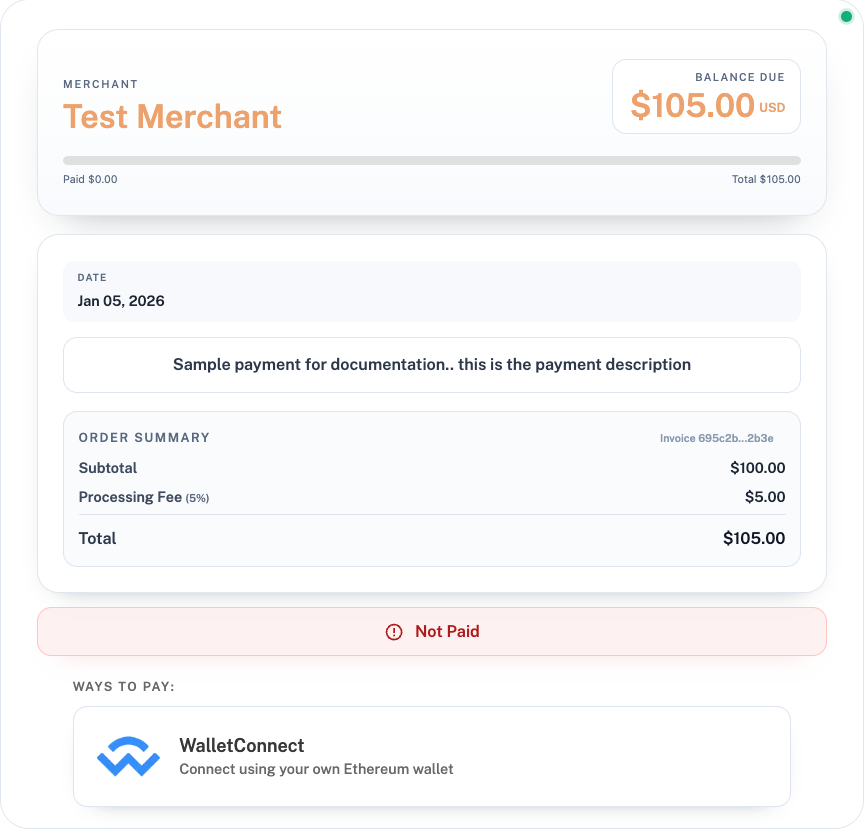
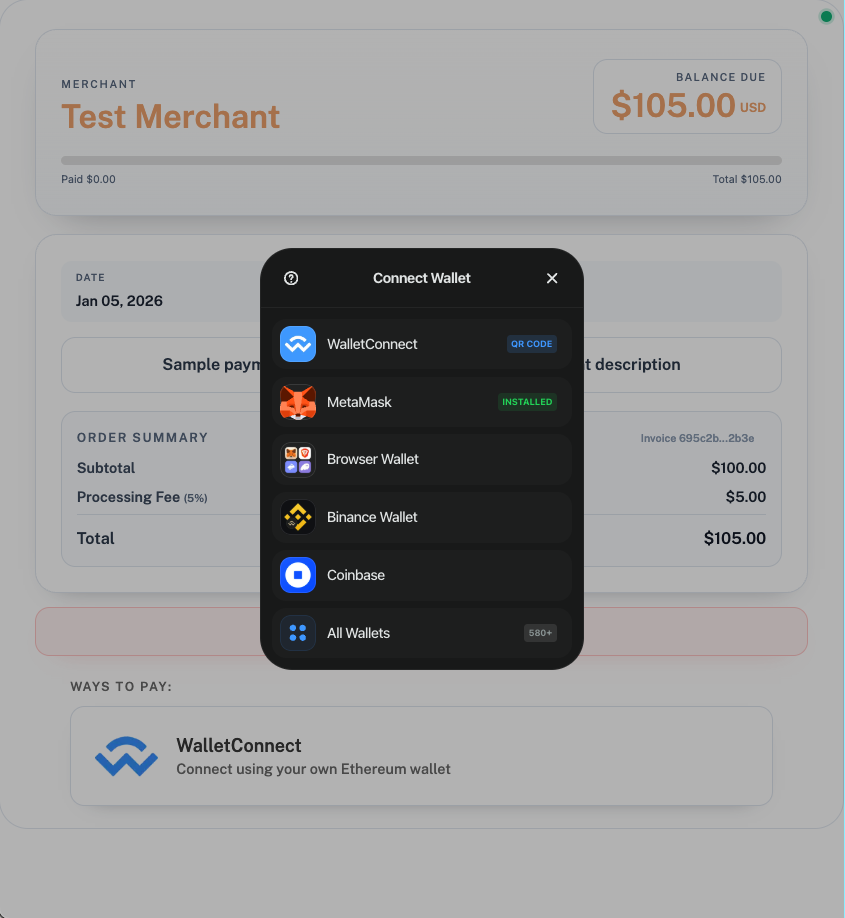
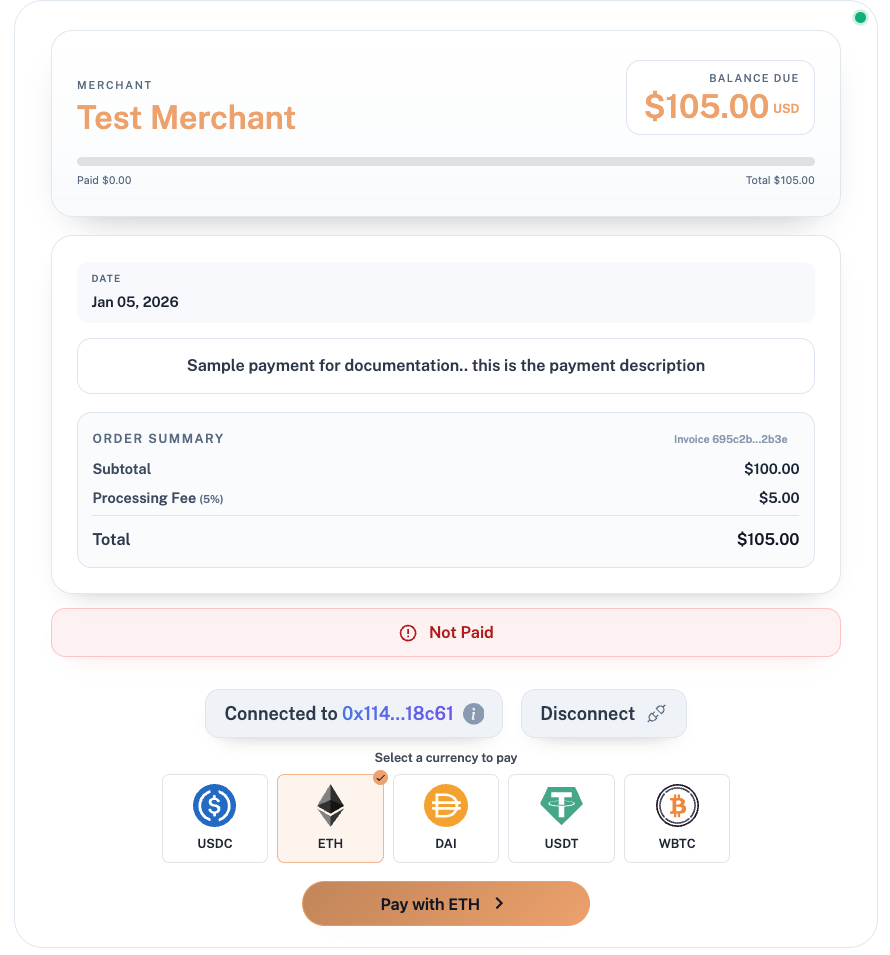
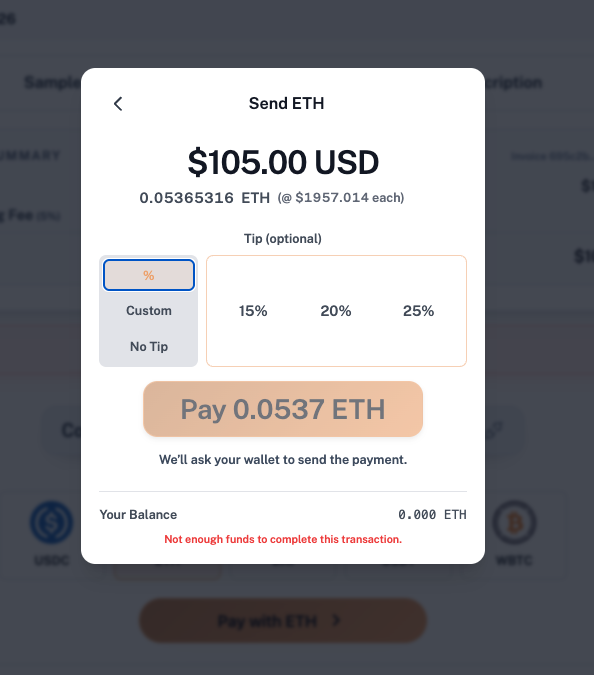
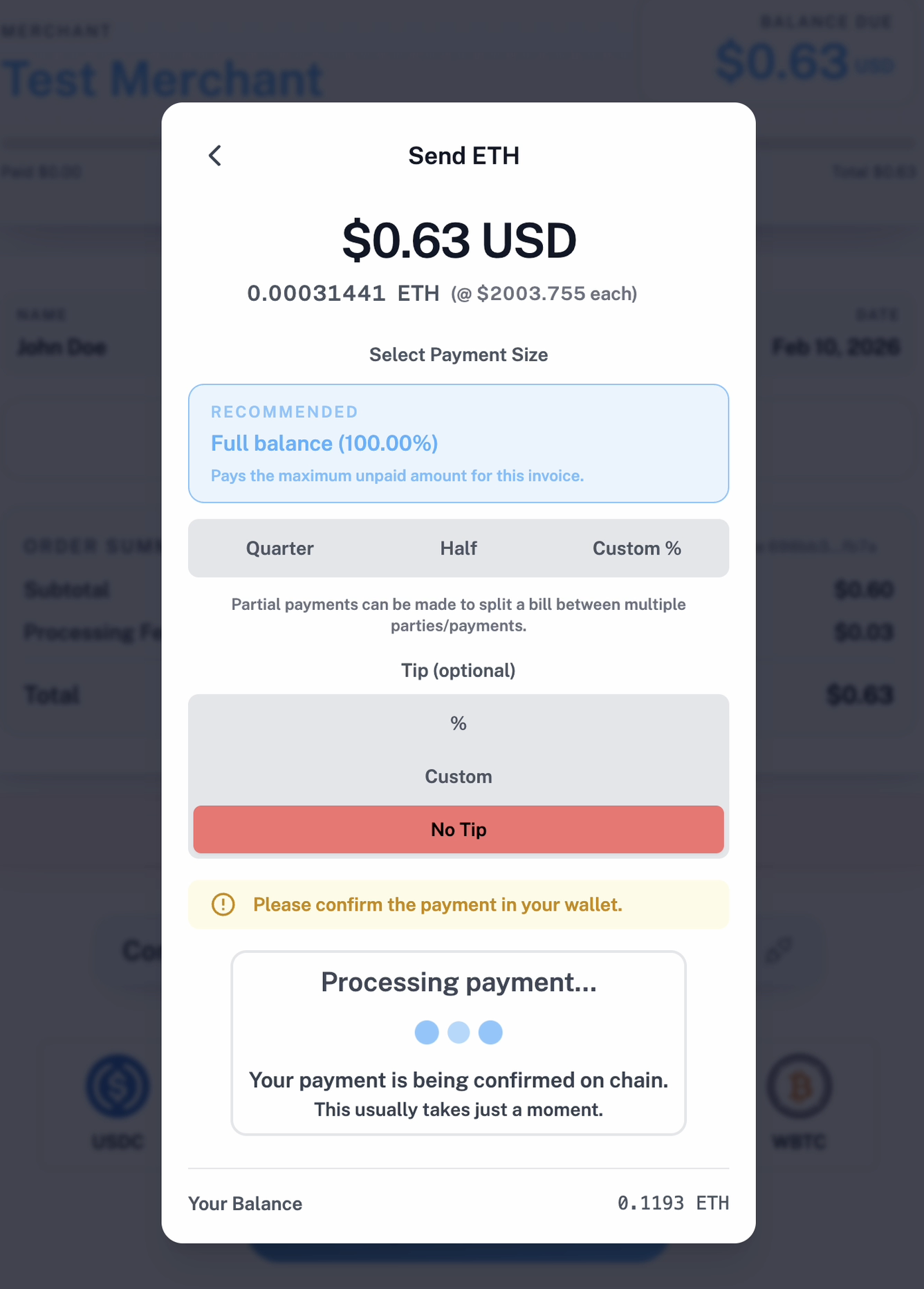
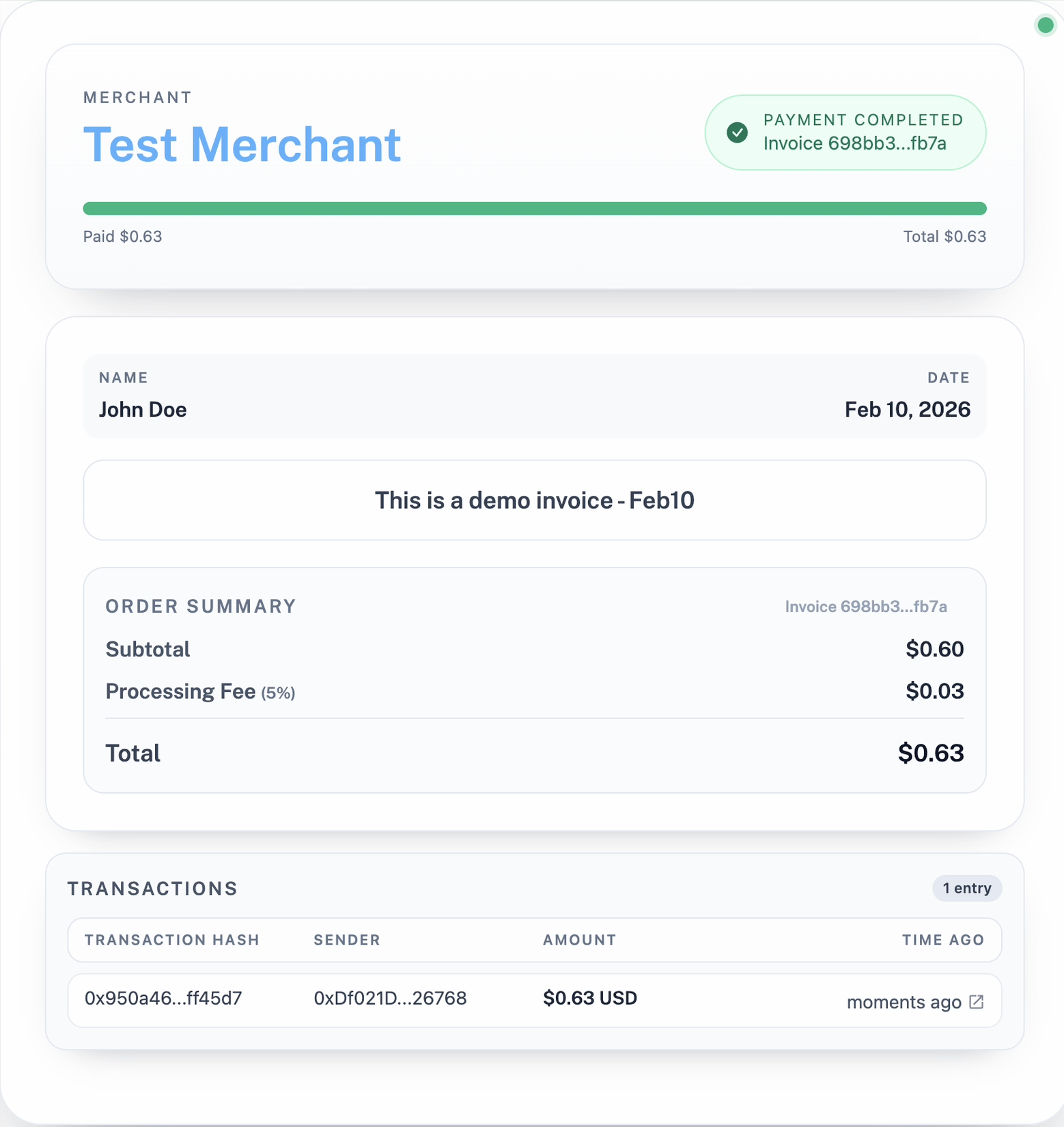
## Customer Widget Flow
1. Landing: connect wallet
2. Select wallet (580+ available)
3. Select a currency to pay
4. Review payment, option to add a tip.
5. Payment processing
6. Completed payment
## Base URL
Use your environment-specific base URL supplied by the support/onboarding team.
All endpoint paths in this guide are relative to:
```
{BASE_URL}
```
Example:
```
{BASE_URL}/crypto/v1/createInvoice
```